 Sign in
Best Bare Metal Server Provider: How to Compare Your Options
The best bare metal server provider is the one whose hardware, locations and support fit your workload, not the one with the loudest homepage. This guide gives you a clear set of questions to compare providers and shows how to choose a bare metal server you will be happy with long after the first month.
Start with your workload, not the provider list
Bare metal means renting a whole physical machine with no hypervisor and no other tenants. People choose it for running their own virtualisation platform, large databases, heavy build or media workloads, game hosting at scale, or policies that require physical separation. Each of these has different priorities, so write yours down before you look at any provider.
Ask yourself four questions. What will the processor be doing most of the day? How much memory and disk does the data need now and in a year? Where are the users, players or APIs the server talks to? And what happens to your business if the server is down for an hour? The answers turn a long list of providers into a short one. If you are still deciding whether you need bare metal at all, read our explainer on bare metal vs VPS first.
Hardware: what exactly are you renting?
With bare metal, the hardware is the product, so a good provider tells you plainly what you get. Vague descriptions make it hard to compare plans and hard to plan capacity.
- Processor model and generation: a named processor tells you far more than a core count alone. Newer generations usually do more work per core.
- Memory type and amount: check how much memory is installed and whether it can be upgraded later on the same machine.
- Disk type and layout: NVMe or SATA SSD, how many drives, and whether RAID is configured or left to you.
- Upgrade path: ask whether you can add memory or disks without migrating to a new server.
- Hardware replacement: find out how failed parts are handled and how you will be told about it.
Access and control
The point of bare metal is control, so make sure the provider gives you all of it. You should get full root access on Linux or full administrator access on Windows, with the freedom to install any operating system and software your workload needs.
Next, look at what happens when something goes wrong. Ask whether the provider offers a rescue mode or remote console so you can recover a server that will not boot, whether you can reinstall the operating system yourself from a control panel, and whether reboots can be triggered without opening a ticket. These features matter most at the worst moment, so check them before you need them.
Finally, confirm you get at least one dedicated IPv4 address and ask how additional addresses are provided if you plan to host several services or virtual machines.
Location and network
Distance still matters in a world of fast networks. A server close to its users, players or upstream APIs responds faster and feels better, so the range of locations a provider offers is a real advantage. Look for a provider with locations near your audience today and near the markets you might grow into.
Ask about network protection as well. Public facing servers attract scans and occasional attacks, and you want to know what filtering is in place and what happens if your server is targeted. Test the network yourself once you have a server: run a few pings and traceroutes from the places that matter to you, and try your real workload before committing to a long term.
Provisioning time and flexibility
Bare metal used to mean waiting days for a machine to be racked and cabled. Many providers now keep machines ready, so a server can be online within minutes or hours. Faster provisioning matters when you are scaling up for an event, replacing a failed host, or simply testing whether a configuration suits you.
Flexibility also covers billing. Short billing periods let you test before you commit, and longer periods usually lower the effective monthly cost for a machine you know you will keep. Avoid long contracts with no exit until you have run your workload on the hardware.
Support that understands servers
With a whole machine, you manage the software, but the provider still owns the data centre, the hardware and the network. When a disk fails at night or the server stops responding, you need support that answers at any hour and can act on the hardware quickly.
Before you buy, send a pre sales question and see how quickly and clearly you get an answer. Check that support is available every day of the week, find out how to reach it in an emergency, and read what the provider takes responsibility for and what is left to you.
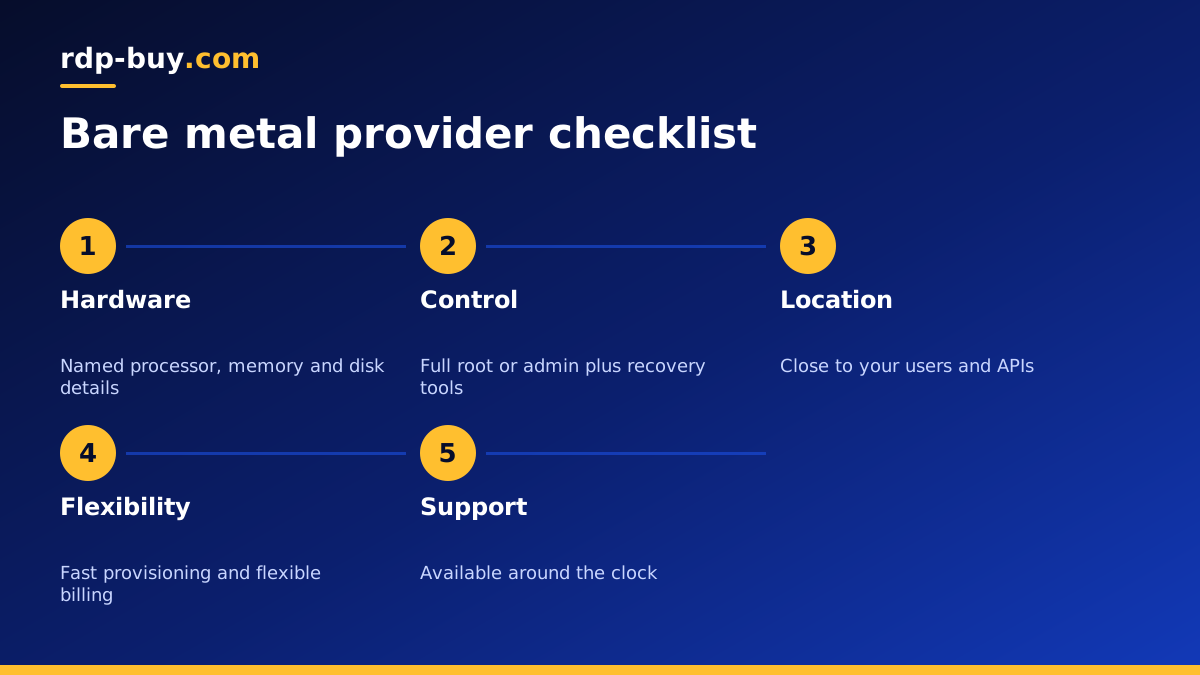
A checklist for comparing bare metal providers
Use this list side by side for each provider you are considering. A provider that cannot answer most of it clearly is probably not the best choice, however attractive the headline offer looks.
- Named processor, memory and disk details for every plan.
- Full root or administrator access, with your choice of operating system.
- A rescue mode, remote console or self service reinstall for recovery.
- A dedicated IPv4 address, and a clear way to get more if needed.
- Locations near your users, with the option to add more regions later.
- Fast provisioning, so you can test and scale without long waits.
- Flexible billing, from monthly for testing to yearly for long term use.
- Support available around the clock, with a clear emergency contact.
- Clear terms on hardware failure, data deletion on cancellation and acceptable use.
How to test a new bare metal server in the first week
Whichever provider you choose, use the first week to confirm the server matches what you were promised. Start by checking the hardware from inside the operating system: on Linux, lscpu, free and lsblk show the processor, memory and disks, and on Windows, Task Manager and Disk Management show the same details. Compare them with the plan description.
Then run your real workload, not a synthetic test. Import a copy of your database, start your game world, or run a full build, and watch processor, memory and disk use while it works. Check the network from the places your users are, and practise one recovery task, such as rebooting from the control panel or reinstalling the operating system, so you know how it works before you need it in a hurry. If anything does not match, raise it with support while you are still on a short billing period.
Common mistakes when choosing bare metal
The most common mistake is buying more machine than the workload needs. A whole physical server is a big step, and many projects are better served by a dedicated CPU server, which reserves cores for you while keeping the flexibility of a virtual machine. Another mistake is ignoring backups: physical isolation does not protect against a failed disk or a bad command, so keep copies of your data on separate storage.
Finally, do not choose on price alone. A cheap machine in the wrong location, with slow support or no recovery tools, costs more in lost time than it saves.
Renting a bare metal server from rdp-buy.com
If your workload needs a whole machine, rdp-buy.com lets you rent bare metal servers alongside VPS and dedicated CPU plans, so you can start at the right level and move up when you need to. You get full root or administrator access, a dedicated IPv4 address, a choice of 33 server locations, 24/7 support and monthly, half-yearly or yearly billing, and servers are ready in minutes.
Compare the plan details with the checklist above, start with the term that lets you test comfortably, and choose the location closest to the people and services your server will work with. If Windows is part of your plan, our guide to choosing Windows or Linux covers the trade offs.
