 Sign in
Seattle VPS Hosting: Who Needs a Pacific Northwest Server
Seattle VPS hosting gives you a Linux server with root access in the Pacific Northwest, close to users in Washington, Oregon and western Canada and well placed towards Asia Pacific. This guide explains who it suits, how to size it and how to buy a VPS in the USA with Seattle as the location.
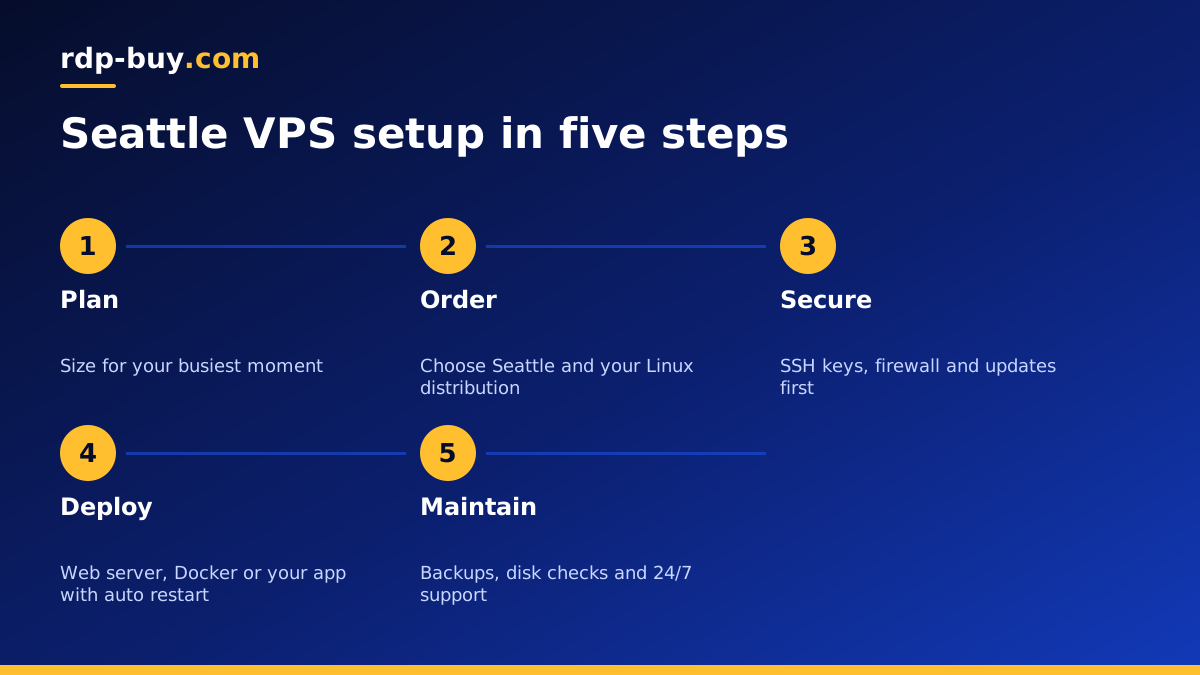
What Seattle VPS hosting offers
A VPS is a private server environment with its own operating system, reserved resources and root access. You decide what runs on it: a website, an API, a database, Docker containers, scheduled scripts, bots or AI agents. It stays online in a data centre while your own computer is off, and you manage it from anywhere over SSH.
Seattle is the main technology and trade hub of the Pacific Northwest. Hosting there keeps your server near users across Washington and Oregon, near the Canadian border, and on the Pacific side of the country, which is useful if you also have users or partners in Asia. Your server gets a dedicated US IPv4 address, so services that expect US traffic see a US connection.
Every USA VPS from rdp-buy.com includes full root access, a dedicated IPv4 address, 24/7 support and billing that can be monthly, half-yearly or yearly.
Who should host a VPS in Seattle
If most of your traffic is on the East Coast, a Seattle server will still work, but a closer city will usually feel more responsive.
- Developers and startups in the Pacific Northwest who want their staging, APIs and internal tools close to their own team.
- Businesses serving Washington, Oregon and western Canada that want websites and customer portals near their buyers.
- Projects with users in North America and Asia that want one US base on the Pacific side.
- Automation and AI users running n8n, Docker stacks, scrapers or agents that should never sleep.
- Anyone who needs a dedicated US IP for accounts, APIs or dashboards that expect US access.
Seattle versus other West Coast and US options
rdp-buy.com offers 33 locations, with US cities including New York, Los Angeles, Dallas, Chicago, Miami, Atlanta, Seattle, Silicon Valley and Honolulu. See them all on the server locations page.
On the West Coast you have three good choices. Seattle suits the Pacific Northwest and western Canada. Silicon Valley is the closest match for the San Francisco Bay Area. Los Angeles covers Southern California and is a common bridge to Asia Pacific. Honolulu sits further out in the Pacific for audiences in Hawaii. For national audiences, central cities such as Chicago or Dallas balance both coasts, and the East Coast is best served by New York, Atlanta or Miami.
If you are not sure, start with the city closest to the service or audience you rely on most, then add another location later. New servers are ready in minutes.
Sizing your Seattle VPS
Size for the busiest moment and leave headroom. These tiers are a practical guide:
- Personal projects and small sites: an entry plan, such as the cheap VPS plans, is often enough.
- Production websites and APIs: more memory lets the web server and database cache data and respond quickly under load.
- Docker and multi service stacks: add up the memory of each container and leave room for the system. Our Docker VPS page explains the planning.
- AI agents and coding tools: agents that call cloud models are usually light on CPU but must run without interruption. If you plan to run Claude Code (by Anthropic) on the server, see VPS for Claude Code for a typical setup.
How to buy a VPS in Seattle
That is all it takes to have a Pacific Northwest server online and ready for your software.
- Open the US VPS plans and choose the size from your planning above.
- Select Seattle as the location and pick a Linux distribution. Ubuntu or Debian long term support releases are a safe default.
- Choose monthly, half-yearly or yearly billing.
- Pay by card, PayPal or crypto. For crypto, see buying a VPS with crypto.
- Receive your IP address and root password within minutes, then connect over SSH.
First hour on your new server
Before deploying anything, harden the server. These steps are quick and protect everything you add later:
- Update all system packages.
- Create a non root user with sudo access and add your SSH public key.
- Disable password login and root login over SSH once your key works.
- Enable a firewall such as UFW and allow only SSH and the ports your app needs.
- Set the time zone to Pacific time if your users are local, so logs and schedules make sense.
- Install automatic security updates so important fixes are applied without waiting for you.
Deploying a typical project on Seattle VPS hosting
For a website, install a web server such as Nginx or Caddy, point your domain to the server's dedicated IPv4 address, and add a free SSL certificate. Caddy handles certificates on its own, which makes it a good choice if you want fewer moving parts. For an application, run it as a systemd service or in Docker with a restart policy so it comes back after a reboot without you logging in.
For automation, tools like n8n run well in Docker with a persistent volume for their data. Put a reverse proxy in front for HTTPS, protect the login, and keep a backup of the data folder. The same pattern works for most self hosted tools: one container per service, data on a volume, and a proxy handling certificates.
Whatever you deploy, write down each step in a short text file on your own computer. If you ever need to rebuild or move to a larger plan, that note turns hours of guesswork into a few minutes of copying commands.
Maintenance that keeps it reliable
Check disk space and memory use every few weeks, rotate logs so they do not fill the disk, and keep at least one copy of your important data off the server. Test a reboot after any big change to confirm all services return on their own. With root access you can fix most problems yourself, and 24/7 support is available if the server becomes unreachable.
Choosing your Seattle VPS plan
If your users, team or partners are in the Pacific Northwest, or you want a US server on the Pacific side that also faces Asia, Seattle VPS hosting is a sound choice. Start with a plan that covers your peak load, then scale up as your project grows.
When you are ready, compare sizes and order a US VPS in Seattle. If you are still deciding between operating systems, read Windows or Linux server: which to rent.
