 Sign in
RDP Atlanta: A Southeast Windows Server and How to Buy One
An RDP Atlanta server is a Windows desktop hosted in Georgia that you open from any device, a strong fit for work centred on the southeastern United States. Read on to see who it suits, what size to choose and how to buy RDP in the USA with an Atlanta location.
What RDP in Atlanta means in practice
With RDP you rent a Windows computer that lives in a data centre and you use it remotely. Open the Remote Desktop app, enter your server address and you see a full Windows desktop. You can install browsers, office software, trading platforms, accounting tools or automation programs, and they keep running after you disconnect.
Choosing Atlanta places that desktop in the Southeast. Atlanta is one of the main business and transport hubs of the region, home to many company headquarters and a large logistics sector. A server there uses a US IP address and sits close to users across Georgia, the Carolinas, Tennessee, Alabama and Florida.
Each USA RDP plan from rdp-buy.com comes with full administrator access, a dedicated IPv4 address and the Windows licence included in the price.
Who should consider an Atlanta RDP server
Atlanta is most useful when the people and services you work with are in the southeastern US. Typical buyers include:
- Small and mid sized businesses in the Southeast that want one shared Windows desktop for accounting, inventory or customer software, reachable by staff from home or on the road.
- Logistics and operations teams who use Windows based tools and portals all day and need them available from any device.
- Ecommerce sellers managing US marketplaces who want a fixed US IP address for logins instead of a different address every time they connect.
- Traders on Eastern time who need a platform online through the whole US session without relying on a home PC.
- Automation users running scheduled jobs, browser automation or AI agents that must stay online and use a US address.
Atlanta compared with other US locations
rdp-buy.com has 33 locations, and its US cities include New York, Los Angeles, Dallas, Chicago, Miami, Atlanta, Seattle, Silicon Valley and Honolulu. The server locations page shows them all.
Atlanta is a good pick when your users are inland in the Southeast. Miami suits Florida and links towards Latin America, New York is closer for the Northeast, Chicago and Dallas cover the middle of the country, and Los Angeles, Seattle or Silicon Valley are better for the West. If your team is spread across the Eastern time zone, Atlanta is a balanced choice that keeps most of them close.
You are not locked in: servers are ready in minutes, so you can add another city if your business grows into a new region.
Choosing the right plan size
The right size depends on what runs at the same moment and how many people log in. Windows itself uses part of the memory, so plan for that first.
- One person, everyday tasks: browser, email and a main application. An entry plan or one of the cheap RDP plans works well.
- Office suite plus business software: accounting or inventory tools alongside a browser and documents. Choose a mid range plan with extra memory.
- Several staff at once: add memory and cores for each concurrent user. Our guide to sharing a Windows server between users explains how to set this up safely.
- Heavy automation: many browser windows or agents in parallel need more cores so tasks do not queue.
Buying RDP in Atlanta, step by step
Keep the login email somewhere safe, because it contains everything you need to connect.
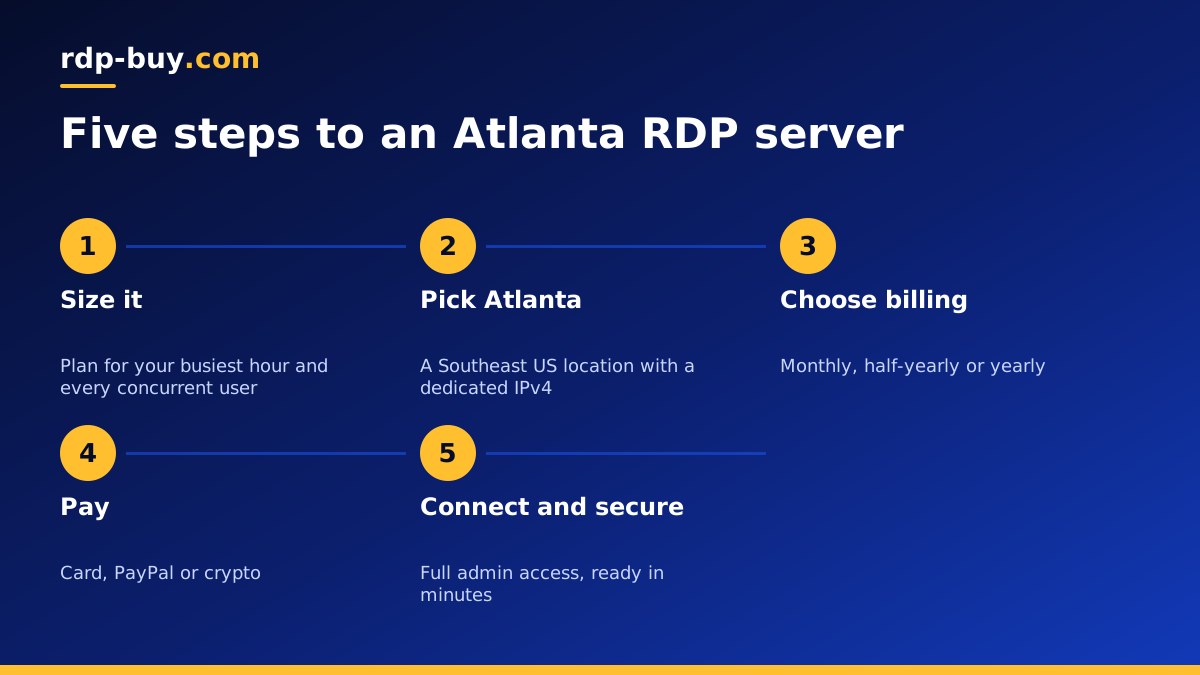
- Open the US RDP plans and pick a size based on the list above.
- Choose Atlanta as your location and select a Windows version.
- Pick monthly, half-yearly or yearly billing.
- Pay by card, PayPal or crypto. Guides are available for paying by card, paying with PayPal and paying with crypto.
- Receive your IP address and administrator login, usually within minutes.
Connecting and first day setup
On Windows, open Remote Desktop Connection, type your server IP address and sign in. On Mac, iPhone, iPad or Android, install Microsoft's Remote Desktop app and add the server. If anything goes wrong, our guide on how to connect to your RDP server covers each device step by step.
Then work through a short checklist:
- Change the administrator password to a long, unique one.
- Run Windows Update and restart once it finishes.
- Create a separate user account for each person who will log in.
- Install only the programs you actually need.
- Set key programs to start automatically and turn off sleep in power settings.
Running a shared office desktop from Atlanta
A common reason to rent RDP in Atlanta is to give a small team one central Windows desktop instead of keeping software on many separate laptops. Everyone connects to the same server, files live in one place, and nothing is lost when a laptop breaks or is replaced. Staff can work from the office, from home or while travelling, and they always see the same applications.
To make this work well, give every person their own account, store shared files in a folder with clear permissions, and keep a regular backup of anything important. Decide who is allowed to install software, ideally one administrator, so the desktop stays tidy. Schedule Windows updates outside office hours on Eastern time so nobody is interrupted mid task.
RDP or a Linux VPS in Atlanta?
Before you order, check that a Windows desktop is really what you need. RDP is the right choice when your software only runs on Windows, when people want a familiar desktop with a mouse and windows, or when you use tools such as trading platforms, accounting suites or browser based dashboards that you operate by hand.
A Linux VPS is often the better choice for websites, databases, Docker containers and automation that runs without anyone watching it. It is managed through a command line rather than a desktop, and it is lighter on resources because there is no graphical interface to run. If that sounds closer to your project, look at the US VPS plans instead, which are also available in Atlanta.
Many businesses end up using both: a Windows desktop for the people and a Linux server for the website and background jobs. Our guide on the difference between RDP and VPS goes through the trade offs in more detail.
Keeping it online and getting help
A rented server is built to stay on, but your software also needs to restart itself after updates. Test a full restart once after setup and confirm everything comes back on its own. Check free disk space every few weeks and clear old downloads and logs. With full administrator rights you can solve most issues yourself, and 24/7 support can help if you cannot reach the server at all.
Picking your Atlanta RDP plan
If your team, customers or services are in the southeastern US, an Atlanta RDP server keeps your Windows desktop close to them and available from anywhere. Size it for your busiest hour, add memory for each concurrent user, and upgrade when your needs grow.
When you are ready, compare the options and order a US RDP server in Atlanta. For more help matching a plan to your work, read which RDP plan do you need.
